Pixel Arena Mobile Aim, HUD & Sensitivity
Touch settings that survive one-bullet FFA lobbies on Roblox.
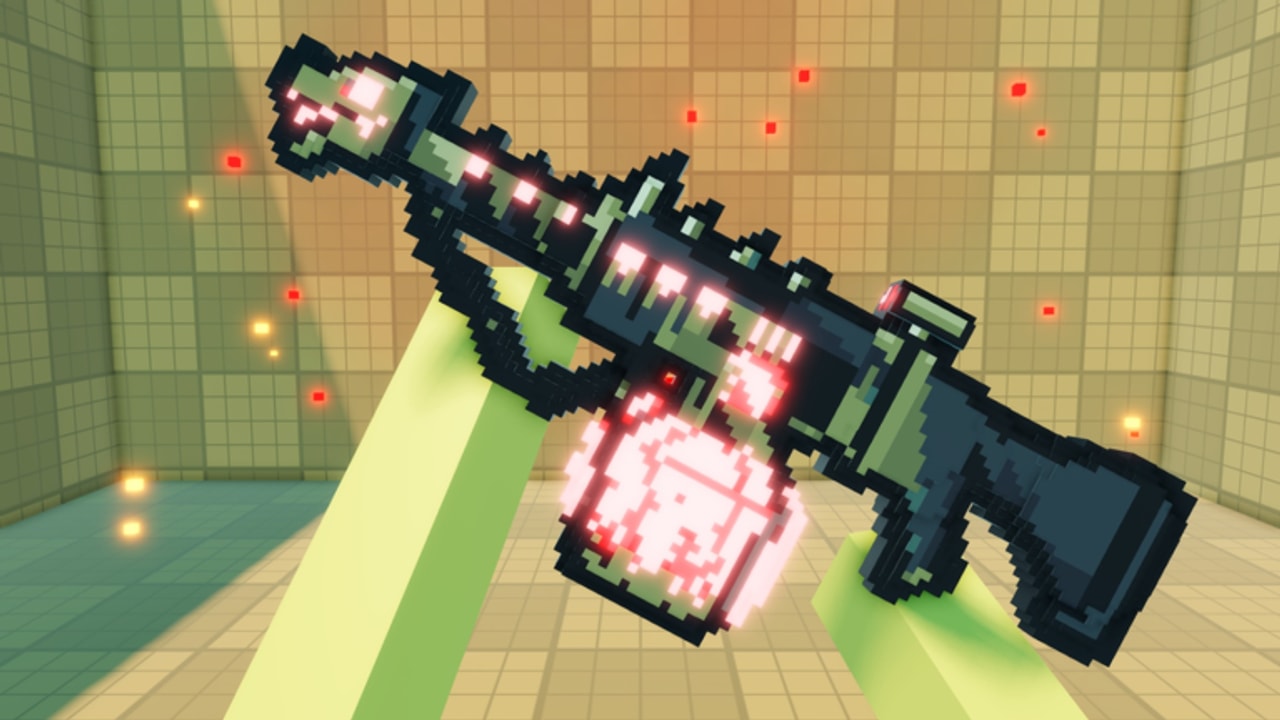
Pixel Arena on mobile is the same Vitamin808 (Jznah24) free-for-all shooter PC players know: one bullet per mag, knife for close range, max 8 players, no teams. The difference is your thumbs. This guide focuses on touch aim, HUD layout, and sensitivity habits that keep the one-shot fantasy playable on phones and tablets — without inventing device-specific FOV numbers Roblox does not publish for this experience.
If you are brand new, skim Getting Started and Controls first. Then use this page to specialize for touch. Mechanical ideals still live in One-Shot Tips; map habits in Arena Maps & Angles; knife follow-through in Knife Combat.
Mobile realities in a one-shot FFA
- One deliberate tap replaces spray muscle memory from other Roblox guns.
- Thumbs block screen — bad HUD placement hides enemies and melee.
- Gyro (if you use it) helps micro adjust; it does not aim for you.
- Heat and frame drops punish late peeks more than on a cooled PC.
- Season 2 cosmetics (Pulse Shotgun, Redline SMG, NULL Dagger, Samurai pass guns) feel the same on touch — unlocks do not include aim assist cheats.
Fair play only. Injector hubs advertising mobile aimbot/ESP are still Roblox ToS violations with ban risk — see Scripts and How to Execute.
HUD layout priorities
Build the layout around the actions you spam every duel:
- Fire — large, reachable by your dominant thumb without covering the center crosshair zone.
- Melee / knife — immediately reachable after fire; knife is half the kit (Knife Combat).
- Look / camera region — keep the right side (or your look side) clear of huge buttons.
- Jump / crouch — smaller than fire/melee; still findable mid-strafe.
- ADS (if separate) — place where you will not mis-tap it during a panic knife.
Rehearse the layout in the lobby before your first sweaty match. A pretty UI that buries melee loses knife flips to worse aimers with better thumbs.
Sensitivity for one-bullet peeks
Goals on mobile:
- Track a strafing torso at mid range without over-flicking past the head.
- Turn 180° fast enough for knife trades.
- Avoid sens so high that a single sweaty thumb dumps your only round into the sky.
Practical approach:
- Set a baseline you can keep for a full session (Tools habits apply).
- Play two matches counting clean first shots only.
- If you constantly overshoot heads, lower look sens slightly — do not blame the gun first.
- If knife turns feel stuck, raise a little or enlarge the look area.
- Lock the number for a week while you learn a playstyle lane (Players Hub).
Rush-leaning mobile players often prefer slightly higher look sens for close swings (Aggressive Rush). Hold-leaning players prioritize stable ADS micro (Sniper Hold). Knife-first identities: Knife Duelist.
Touch aim habits that transfer
| Habit | Why it matters |
|---|---|
| Pre-aim head height before corners | Correction time kills on one mag |
| Short peeks | Long wide swings are harder to track on thumbs |
| Fire then knife without admiring | Same pipeline as PC |
| Drop graphics for stable FPS | Frame hitches eat the only click |
| Prefer side lanes vs stacked mid | Eight-player chaos is worse when your thumbs fight the HUD |
Study range choice with Weapons and community rankings on the Tier List plus Legendary Guns. Pulse Shotgun and Redline SMG remain popular close tools; snipers still reward patience if your ADS is clean.
Season 2 spending on a phone main
Do not open Cyber Crate chaos before your HUD and sens are stable. Route:
- Stabilize touch layout.
- Pick rush, hold, or knife-duelist identity.
- Push Season 2 Samurai pass guns that match that range.
- Budget Cyber Crate only if you specifically want Pulse / NULL Dagger chase.
- Recheck Codes around milestones — as of November 28, 2026 there are still no confirmed public promo codes.
Patch context without invented file numbers: Changelog and the Updates Hub.
Common mobile mistakes
- Fire button over the kill feed / center — you will mis-tap and die.
- Melee too small — you lose every mutual miss.
- Sens swapped every death — you never build muscle memory.
- Chasing PC montage ranges with a soft thumb ADS — take closer fights or slow peeks.
- Downloading “mobile scripts” — malware and ban risk; improve via Guides Hub instead.
Warm-up routine (five minutes)
- Confirm HUD once.
- Strafe left/right while keeping crosshair at head height on a wall seam.
- Practice fire → knife on empty space ten times.
- Take your first real duel only in a range your unlock can win.
- After two deaths, adjust positioning — not five sens sliders.
Related pages
Mobile Pixel Arena is winnable. The magazine never grows for touch players — only your layout, sens discipline, and knife access do. Build those first, then flex Season 2 skins on clean taps.
Frequently Asked Questions
Quick answers about Pixel Arena codes, weapons, and one-shot play.
Can I compete on mobile in Pixel Arena?
Yes. Stable FPS, a clear HUD with large fire and melee, and disciplined one-tap peeks matter more than platform bragging rights.
What sensitivity should I use?
No universal number. Choose a sens you can keep for a full session that tracks mid-range torsos and still allows knife turnarounds, then lock it while you practice.
Should mobile players only rush?
No. Rush is popular with large fire buttons, but sniper hold works if your ADS layout is clean. Pick a lane under the Players hub.
Do mobile scripts or touch aimbots help?
They violate Roblox Terms of Use and risk bans plus malware. Use fair guides and Tools settings instead.
Where do I learn knife on mobile?
Enlarge melee, drill fire-then-knife, and read the Knife Combat guide plus the Knife Duelist playstyle page.